
Every ClickFunnels conversion, on every team phone and the office TV.
Funnel-based businesses obsess over conversions. The team refreshes the ClickFunnels analytics tab, watches the stats page, checks Slack. The moment is diluted. It should be concentrated.
PingBell turns every ClickFunnels submission — optin, purchase, upsell accepted, application submitted — into three simultaneous broadcasts: a push notification with a custom sound on the team’s phones, a live counter on the office TV, and a point on a real-time graph. Native integration, no Zapier middleman, works on both ClickFunnels 1 and ClickFunnels 2.
Who this is for
- Info product sellers and course creators running ClickFunnels funnels where every conversion matters.
- Coaches and consultants running application funnels who want a bell to ring on every qualified lead.
- Agencies running funnels for clients who want to hand off a live dashboard the client can watch.
- Affiliate marketers and media buyers who want a real-time conversion counter during a promotion.
- Webinar and launch teams running multi-step funnels who want to feel the launch in real time.
How PingBell solves it
Native ClickFunnels integration. Connect ClickFunnels from the Sources page in one click — authorize your account, tick the funnel events you care about, done. Every form submit, purchase, or upsell fires straight into PingBell. No Zapier. No middleware. No latency.
Per-step counters. Track optin count, tripwire purchases, upsell take rate, application submissions, and total revenue — as separate counters, all on one dashboard. Great for seeing exactly where the funnel is flowing and where it’s leaking.
A bell your team recognizes. Give each funnel event its own celebration message and sound — optins chime, purchases ring the cash register. The team knows what just happened without looking up.
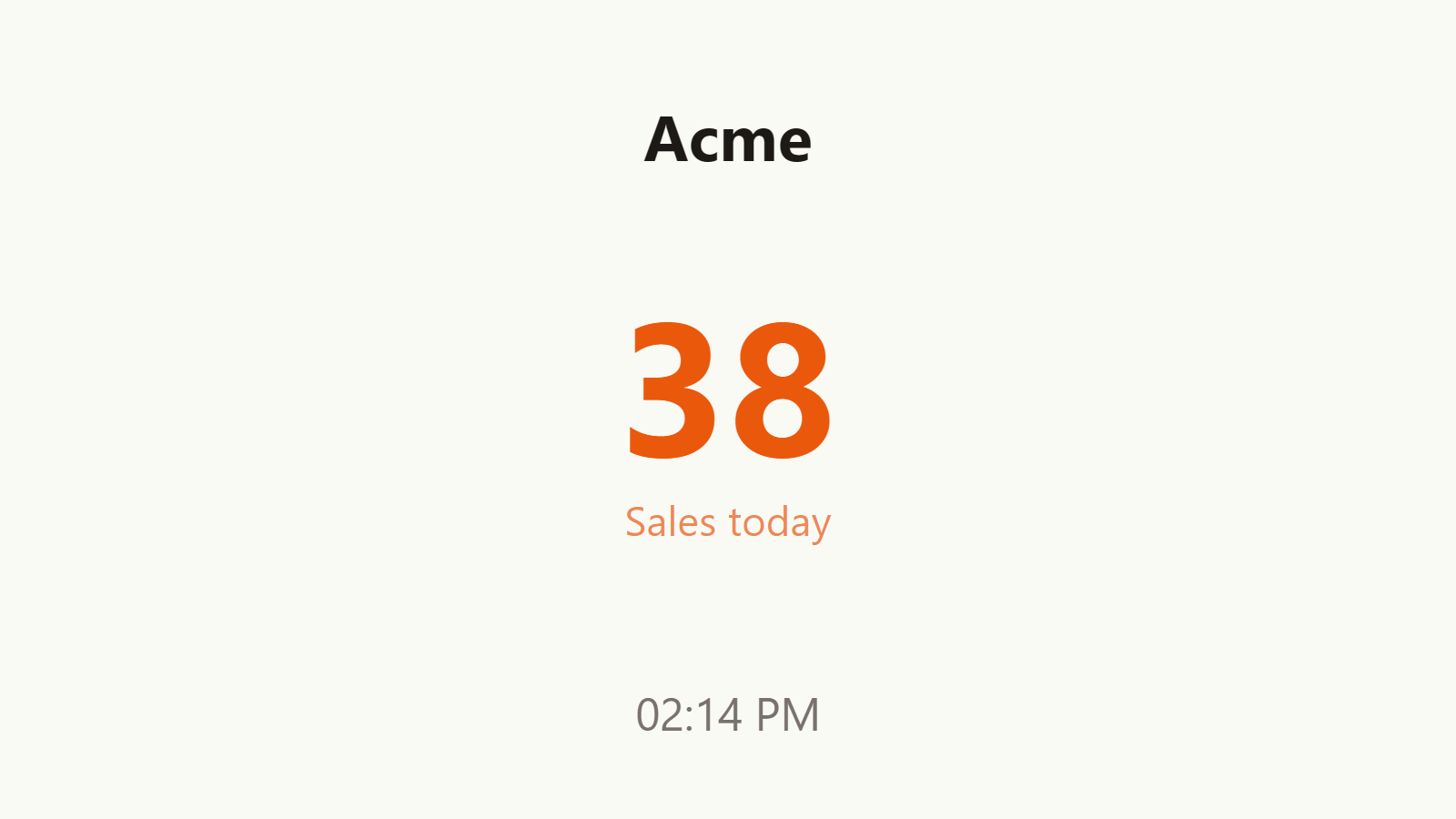
Office TV counter. The signature use case is a launch-week TV: one counter for optins, one for purchases, one for revenue. The team walks past and feels the launch in real time.
Setup in 5 minutes
- Connect ClickFunnels. In PingBell, open Sources, click the ClickFunnels tile, and authorize your account.
- Pick the events. Tick the funnel events you want to hear — optins, purchases, upsells — and click Connect funnels.
- Pick a sound and a celebration message. Each source gets its own, so the team can tell an optin from a purchase by ear.
- Design the board. Drop counter blocks on a board — one for optins, one for purchases, one for revenue — and set launch goals.
- Pair the launch TV. Install the PingBell TV app on the TV — it shows a short code; enter it on your Screens page and cast the board.
What teams say
“PingBell seamlessly integrates with ClickFunnels to provide real-time notifications.” — Rich Steinmetz, Head of API OS @ ClickFunnels
Pricing for this use case
A single funnel running solo lives on the Core plan at $20/mo (billed annually; $30 month-to-month). A team running multiple funnels simultaneously should take the Plus plan at $50/mo (billed annually; $75 month-to-month) — full board designer, one rotating channel for the launch TV, and up to 50 paired screens. Larger operations: Team at $200/mo (billed annually; $300 month-to-month) for unlimited channels (different content on every screen) and a team of five.
See full pricing.
FAQ
Does PingBell work with both ClickFunnels 1 and ClickFunnels 2?
Yes. Both versions support outbound webhooks on form submits and purchases. The setup UI is slightly different but the end result is the same.
Can I track upsells separately from the main offer?
Yes. Add a separate webhook for each step in the funnel (main offer, OTO1, OTO2, downsell) and point each at its own PingBell counter. You’ll see the exact take rate at every step on one dashboard.
Do I need Zapier?
No. The native ClickFunnels webhook integration is faster and doesn’t use up your Zap quota. If you’d rather use Zapier, it also works — there’s a ClickFunnels trigger and PingBell has a standard webhook action via Zapier.
Can I filter out test purchases?
Yes. You can filter by payment_status (live vs. test) or by email domain (exclude your own team’s addresses). Set once in the counter’s filter settings.
Does it work for application funnels, not just sales funnels?
Yes. Application submissions fire the same form-submit webhook. Many of our ClickFunnels customers use PingBell to celebrate qualified applications, not just sales.
Can I use dynamic variables from custom fields?
Yes. Every ClickFunnels custom field (including your lead-scoring fields, UTMs, and tracking tags) is available as a variable in the notification template.
Does PingBell count recurring payments from ClickFunnels subscriptions?
Yes. CF subscription renewals fire webhooks just like initial sales. If you want to track MRR specifically, we recommend connecting your underlying payment processor (Stripe, etc.) for accurate MRR math.
Get started
Start a free 7-day trial. Add PingBell as a ClickFunnels webhook. Pick a sound. Your next launch will feel completely different.