
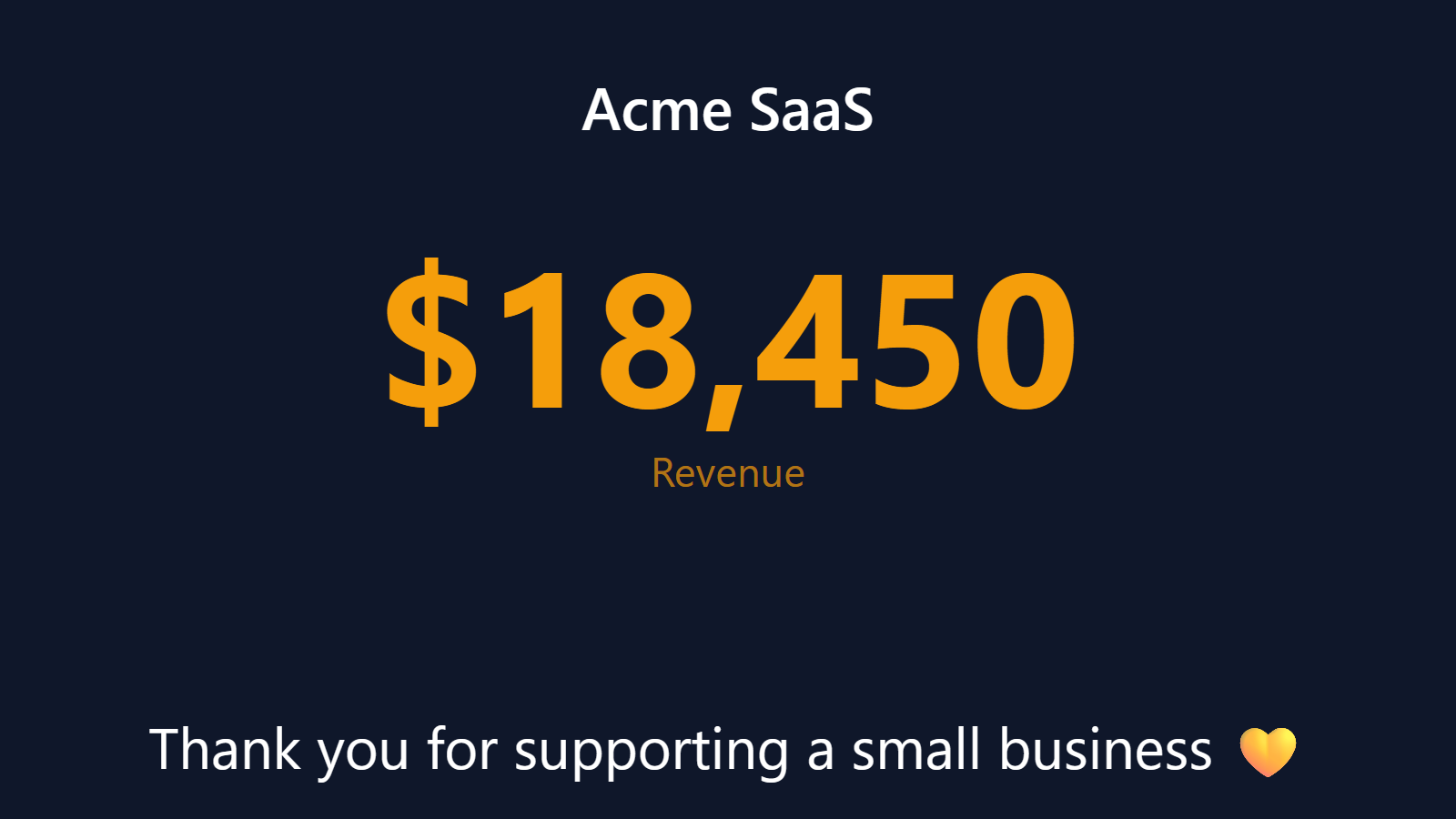
Live MRR on the wall behind your desk. The indie founder’s cheat code.
Every SaaS founder ends up in the same place eventually: a browser tab permanently open to Stripe, refreshed every twenty minutes. The number is the company. You should be able to glance at it.
PingBell mounts your live MRR number on Apple TV, Fire TV, Android TV, Roku, or any browser tab. Every new subscription, upgrade, downgrade, and cancellation updates it in real time. The MRR-on-the-wall setup has become a founder cliché for a reason: it quietly changes how you feel about the business.
Who this is for
- Indie SaaS founders with single-person or tiny teams who live and die by MRR.
- Bootstrapped founders running small teams where the whole company benefits from MRR visibility.
- SaaS founders at 10-50 person B2B companies who want a visible revenue pulse for the team.
- Subscription-first businesses (newsletters, paid communities, productized services) built on Stripe / Paddle / Chargebee.
- PE-backed roll-ups of SaaS apps tracking portfolio MRR across multiple Stripe accounts.
How PingBell solves it
Real payments, deduped. Every subscription payment — new, renewal, upgrade — lands on the counter the moment your billing platform fires the event, deduped so one payment never counts twice. Point it at paid invoices and the counter is your collected subscription revenue, live.
Every subscription platform. Stripe connects in one click from the Stripe App Marketplace. Paddle, Chargebee, Recurly, Lemon Squeezy, and Braintree connect through their webhooks or a Zap — anything that fires a payment event can feed the counter.
TV, browser, phone, website embed. The same MRR counter can display on your Fire TV, as a browser tab on a second monitor, on your phone, and embedded on your marketing site (“We just hit $147K MRR!” for social proof). One counter, every surface.
Goal lines. Set the next milestone: $10K MRR, $100K ARR, whatever comes next. The counter fills visually as you approach it. Crossing the threshold triggers a celebration.
Revenue and signups side by side. Give collected revenue and new subscriptions their own counters — separate sources, one board — and the TV shows the full pulse of the business at a glance.
Setup in 5 minutes
- Connect your payment platform. Stripe: install the PingBell app from the Stripe App Marketplace and your revenue counter appears seeded with your all-time total. Other platforms: create a webhook source in PingBell and point the platform’s webhooks at it.
- Pick the events (manual path).
invoice.paidfor collected subscription revenue;customer.createdorcustomer.subscription.createdfor a signups counter. - Design the board. A counter block with revenue as the metric — all-time for the running total, today for the daily pulse.
- Set a goal (optional). Add a goal block with your next revenue milestone; the bar fills as you approach it.
- Pair a TV. Install the PingBell TV app on the TV, pair with a code. Or just leave a browser tab open.
Pricing for this use case
Core at $20/mo (billed annually; $30 month-to-month) is built for this use case — the full board designer, every block, every integration, and the bell on your phone. It casts from a browser tab, so a laptop stays plugged into the TV. When you want that screen running on its own, watermark-free, Plus at $50/mo (billed annually; $75 month-to-month) pairs it — and Team at $200/mo (billed annually; $300 month-to-month) brings the rest of the company in.
See pricing.
FAQ
What exactly does the counter count?
Every payment event you point at it, deduped per payment so a charge arriving under several event types never counts twice. Point it at paid invoices and it’s your collected subscription revenue — the number that matters on a wall, ticking the moment money lands.
Does it replace SaaS analytics tools?
No. SaaS analytics platforms with cohort analysis, churn reports, and billing reconciliation solve a different problem from PingBell. PingBell is the broadcast layer: the live number on the TV, the push notification on the phone, the website embed. Many customers run both — analytics for analysis, PingBell for visibility.
Can I count subscribers instead of dollars?
Yes. A counter block can show the sales count instead of revenue — “paying customers” on one counter, “revenue collected” on another, same board.
Can I show a revenue counter publicly (on my marketing site)?
Yes. Make the board public and embed its live view — widely used for social proof. Many founders show the goal bar filling toward the next milestone instead of the raw number.
What happens during a failed payment / involuntary churn?
Failed payments don’t subtract from MRR until the subscription actually cancels. If you want a separate “past due” counter, create one filtered to failed-payment events.
Can I aggregate MRR across multiple Stripe accounts (for a portfolio of SaaS apps)?
Yes. Connect multiple Stripe accounts and sum them into one counter. Useful for PE-backed roll-ups or for founders running multiple products on separate Stripe accounts.
Get started
Start a free 7-day trial. Connect Stripe. Pair the office TV. You’ll stop opening the Stripe dashboard inside of a week.