
Every Stripe charge your business takes, broadcast to every screen.
The Stripe dashboard is where accountants live. It’s not where momentum lives. When a subscription closes, an invoice gets paid, or a Checkout session converts, you want the moment to land somewhere the team feels it — not buried in a daily email summary or a Slack channel nobody checks.
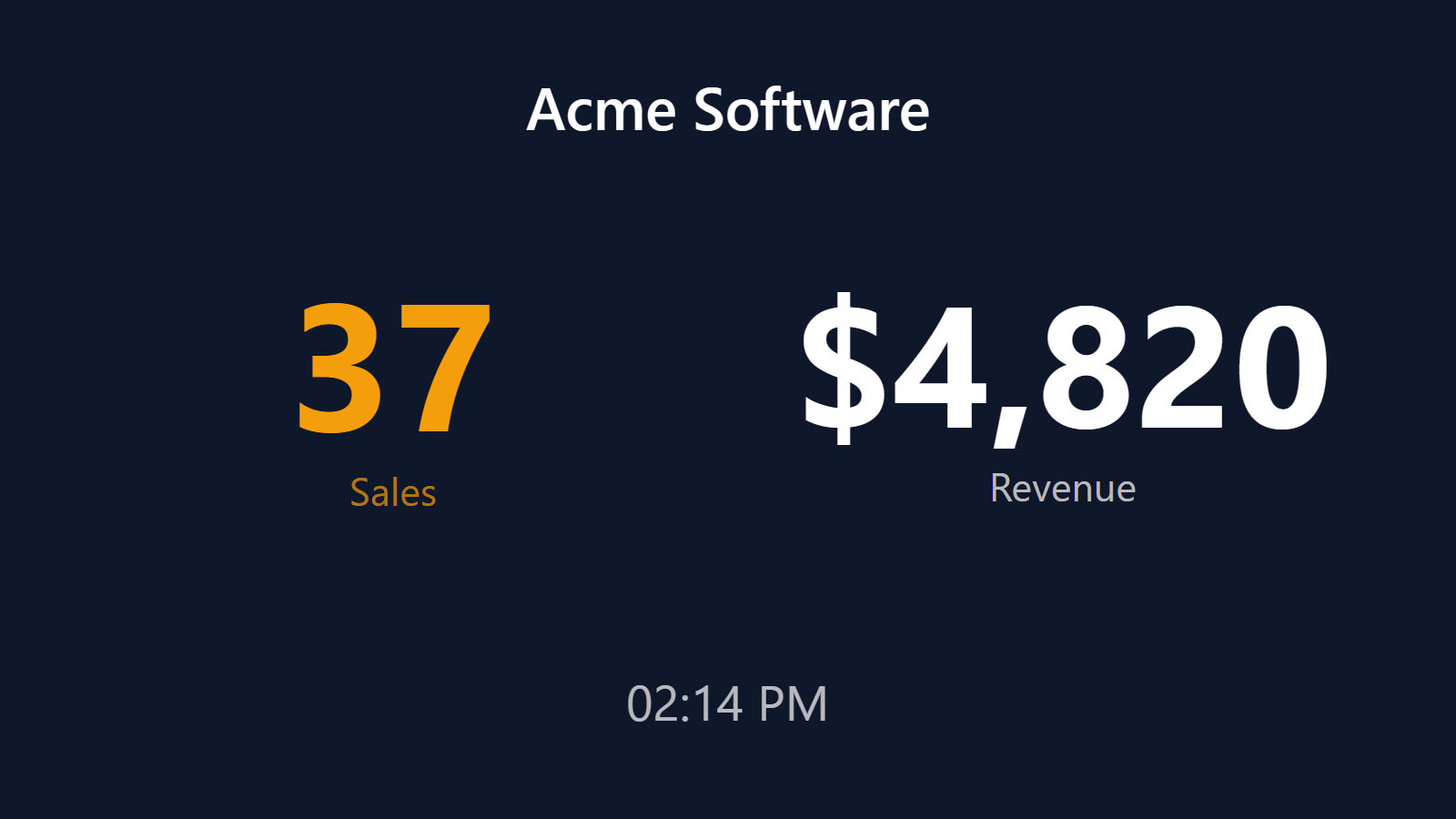
PingBell listens to Stripe’s webhooks and turns every payment event into three simultaneous broadcasts: a custom-sound push notification on every team phone, a live counter on the office TV, and a point on a real-time revenue graph. Works with Stripe Checkout, Payment Links, Subscriptions, Invoices, and every other flow that ends with money changing hands.
Who this is for
- SaaS founders who want their MRR counter on a TV behind their desk.
- Subscription businesses (newsletters, memberships, productized services) that live and die by the MRR curve.
- Agencies and studios running project-based invoicing through Stripe who want a real-time “cash landed” board.
- Indie operators and consultants running productized services through Stripe Payment Links who want a bell to ring on every sale.
- Creators and coaches running cohort-based courses, paid communities, or premium programs through Stripe Checkout.
How PingBell solves it
Every Stripe event supported. charge.succeeded, invoice.paid, customer.subscription.created, customer.subscription.updated, checkout.session.completed, payment_intent.succeeded. Pick the event that matches your revenue model. You can also send multiple event types to the same counter for a unified revenue feed.
Real payments, deduped. Subscribe to several payment events for a unified feed and PingBell dedupes them per payment, so one charge arriving as both payment_intent.succeeded and invoice.paid never counts twice. Point the counter at invoice.paid and it’s your collected subscription revenue, live.
70+ built-in notification sounds. A cash register, a classic bell, a cheer, a chime. Pick one sound for new charges, a different sound for subscription upgrades, a third for failed payments if you want to catch churn the moment it happens.
TV-first design. The signature use case is a founder’s desk TV running a live MRR counter. Any TV, the PingBell TV app, your Stripe data. Ten minutes from idea to live display.
Setup in 5 minutes
- Connect Stripe. Install PingBell from the Stripe App Marketplace — revenue, orders, and customers counters appear in your Stripe Dashboard automatically, seeded with your all-time totals. (Prefer manual control? Create a webhook source in PingBell and add its URL as a Stripe webhook endpoint instead.)
- Pick the Stripe events (manual path only).
invoice.paidfor subscription revenue;charge.succeededorcheckout.session.completedfor one-time revenue;customer.createdfor new customers. - Design the board. Drop a counter block on a board, choose revenue or count as the metric, and the window — today for a daily pulse, all-time for the running total.
- Pick a sound and write a short notification body. 70+ built-in sounds in the library — pick the one that fits the moment.
- Pair a TV. Install the PingBell TV app on the TV. The TV shows a short pairing code; enter it on the Screens page at my.pingbell.io (or scan the QR) and cast the board.
Pricing for this use case
Solo founders and single-person agencies: the Core plan at $20/mo (billed annually; $30 month-to-month) covers a single seat, every app, and up to 50 paired screens on Plus and 200 on Team. Most businesses with a team grow into the Plus plan at $50/mo (billed annually; $75 month-to-month) (full board designer, up to 50 paired screens). Agencies showing different client dashboards on different screens belong on Team at $200/mo (billed annually; $300 month-to-month) with unlimited channels and a team of five.
See the full pricing page.
FAQ
How does the Stripe integration connect?
Install the PingBell app from the Stripe App Marketplace — it lives right in your Stripe Dashboard, with read-only access to events. No API keys to copy and paste. You can uninstall it at any time from Stripe’s Apps page.
Does PingBell store my Stripe customer data?
No. We extract the numeric value and timestamp from each event and discard the rest of the payload — including customer names, emails, and addresses. We never see card numbers or bank details. Full details in the docs.
What exactly does the counter count?
Every payment event you point at it, deduped per payment. invoice.paid makes it your collected subscription revenue — the number that matters on a wall, updating the moment money lands. For cohort analysis and billing reconciliation, keep your analytics tool; PingBell is the broadcast layer.
Does it work with Stripe Checkout?
Yes. Subscribe to checkout.session.completed and every successful Checkout session fires an event. Works with hosted Checkout, embedded Checkout, and Payment Links.
What happens if a Stripe webhook fails to deliver?
Stripe retries failed webhooks for 3 days with exponential backoff, and PingBell dedupes retried deliveries per payment, so the counter stays accurate through network hiccups.
Does it handle multiple Stripe accounts (multiple brands)?
Yes. You can connect multiple Stripe accounts and either feed them all into one counter or keep them separate. Agencies typically create one counter per Stripe account, one dashboard per client.
Get started
Start a free 7-day trial. Connect Stripe in two clicks. Pick a sound. The next charge your business takes will land on every screen you care about.