
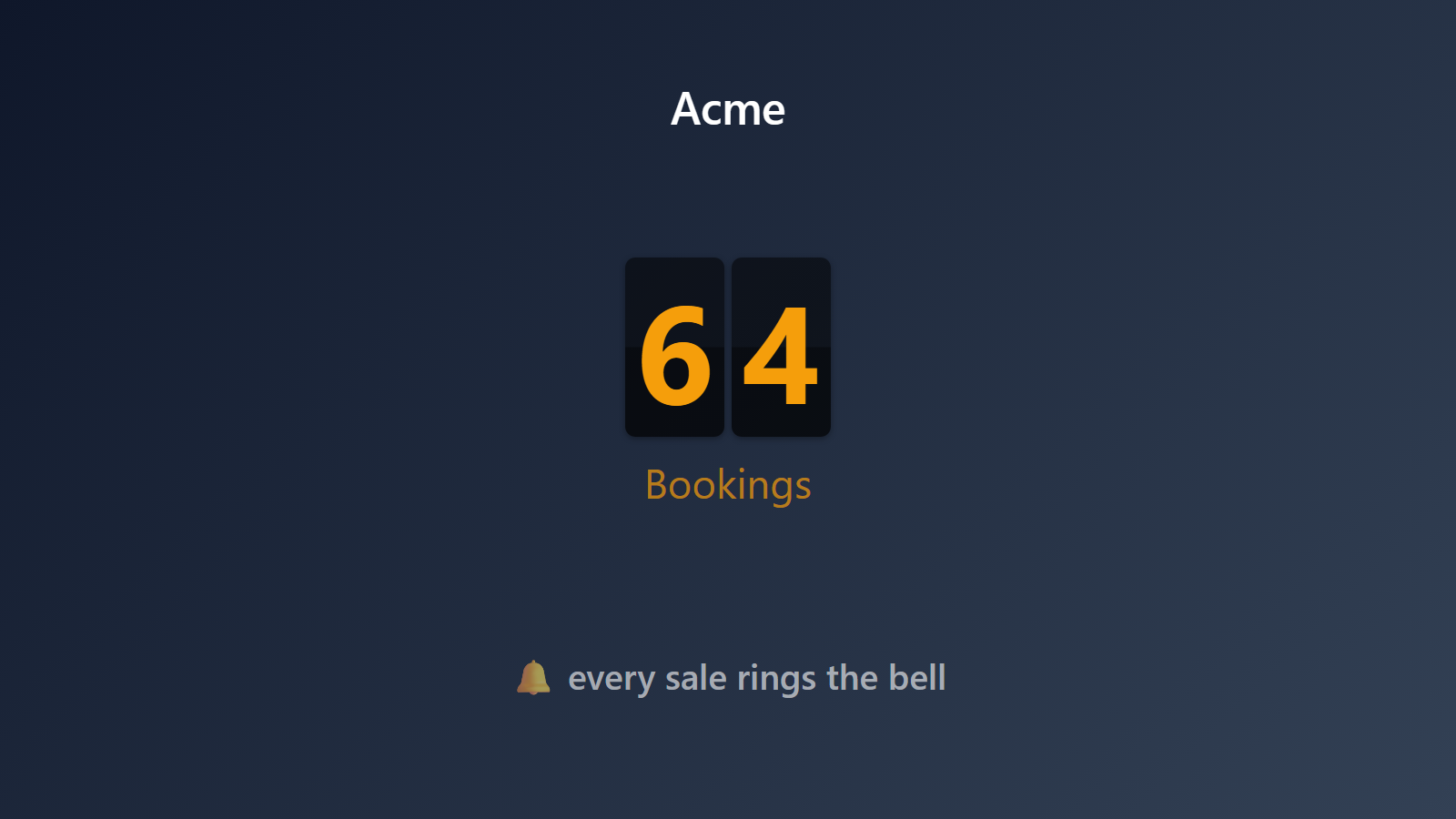
Every new meeting booked, announced on every screen.
For sales teams and founders alike, the leading indicator of revenue isn’t revenue itself — it’s the calendar. When the calendar is full, the month is going to be good. When the calendar is empty, no amount of pipeline reporting will save you. Your team deserves to feel it the moment a demo gets booked, not in a Monday morning meeting.
PingBell connects through Calendly’s own webhooks — or a Zap. Every meeting booked, rescheduled, or canceled fires a push notification with a custom sound, updates a live “Demos booked today” counter, and plots on a real-time graph. The team hears the bell, the TV shows the number climbing, the founder smiles.
Who this is for
- Sales teams running SDR/AE workflows where demos-booked is the primary activity KPI.
- Agencies running discovery calls with prospects who want a celebration on each new booking.
- Solo founders and consultants whose entire business runs through Calendly.
- Customer-success teams tracking QBR and onboarding call bookings.
- Coaches and service providers booking clients through Calendly who want a per-booking bell.
How PingBell solves it
Calendly’s webhooks, on every screen. Calendly’s v2 API supports webhooks for invitee.created, invitee.canceled, and invitee_no_show.created. Point Calendly at your PingBell source’s webhook URL and your counter reflects exactly the events you care about.
Meeting-type-specific counters. Different Calendly event types → different sources. “Discovery call” rings one sound; “demo” rings another; “customer check-in” rings a third. Or combine all of them into one counter labeled “Team calendar”.
Push on every booking. A sound on every team phone the moment a booking lands. Pick the sound from PingBell’s library of 70+ built-in options.
Setup in 5 minutes
- Create a source in PingBell. Name it “Demos today” or “Sales calls booked this week” and copy its webhook URL.
- Connect Calendly. Calendly → Account → Integrations → Webhooks → Add. Paste the webhook URL. Pick
invitee.created(andinvitee.canceledif you want net-booking math). Or use Zapier as a fallback for free Calendly plans. - Design the board. Drop a counter block on a board, pick a sound from the library, and set a daily goal if you want a target on the wall.
- Pair a TV. Install the PingBell TV app on the TV — it shows a short pairing code. Enter the code on the Screens page at my.pingbell.io (or scan the QR) and cast the board.
Pricing for this use case
Solo operators: Core at $20/mo (billed annually) with the full board designer. Sales teams and agencies: Plus at $50/mo (billed annually; $75 month-to-month) for the full board designer and a team of 5 — which fits most SDR/AE teams without needing to upgrade. Agencies running different rotations on different screens for multiple clients: Team at $200/mo (billed annually; $300 month-to-month) with unlimited channels and a team of five.
See pricing.
FAQ
What Calendly plan do I need to use webhooks?
You need the Standard plan or higher. The free plan does not support webhooks. If you’re on the free plan, use Zapier’s Calendly triggers as a fallback — also works with PingBell.
Does it handle rescheduled meetings?
Yes. Rescheduled meetings fire a invitee_canceled for the old time plus invitee_created for the new time. PingBell handles both so the counter doesn’t double-count.
What about no-shows?
Calendly fires invitee_no_show.created when an invitee is marked as a no-show. Point that event at a separate source to track no-shows on their own counter.
Does it work with Calendly routing forms?
Yes. Routing-form bookings fire the same invitee.created webhook as direct bookings.
Can I integrate Calendly + HubSpot or Salesforce for a unified counter?
Yes. Connect both sources to the same counter and the numbers combine. A common pattern: “Sales activity today” combining Calendly bookings + HubSpot deal-created events.
Get started
Start a free 7-day trial. Connect Calendly via its webhooks or a Zap. Turn the calendar into a bell.